Resource Usage Summary
Introduction
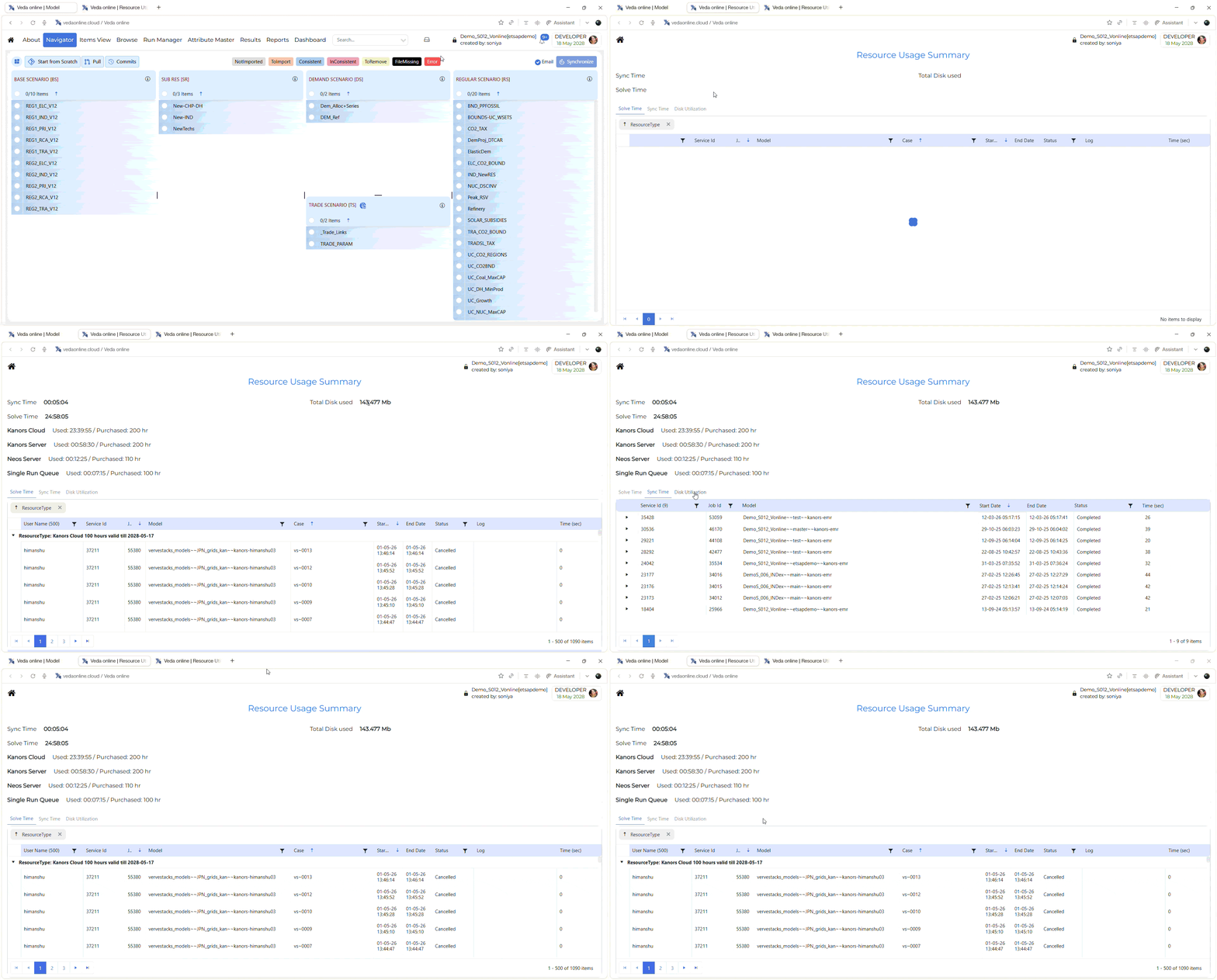
The Resource Usage Summary page is used to help users monitor resource consumption in VedaOnline. It provides a summary of overall usage and also shows detailed records for solve time, sync time, and disk utilization.
This page helps users understand how much resource has been used, where it was used, and which activities contributed to that usage.
How to use it?
Open the Resource Usage Summary page.
Review the summary section at the top to understand total usage.
Open the Solve Time tab to review solve-job usage.
Open the Sync Time tab to review synchronization history.
Open the Disk Utilization tab to review storage usage.
Compare the usage values with the purchased values shown in the summary section.